RSVP App for Recurring Events: What Organizers Need for Reliable Attendance
A recurring event needs more than invite sending. This guide explains how an RSVP app for recurring events should handle thresholds, reminders, and event confirmation.
Quarmup Blog Hub
RSVP app guides explain how to choose and run an RSVP workflow that gets clear yes/no decisions, confirms events earlier, and lowers organizer follow-up.
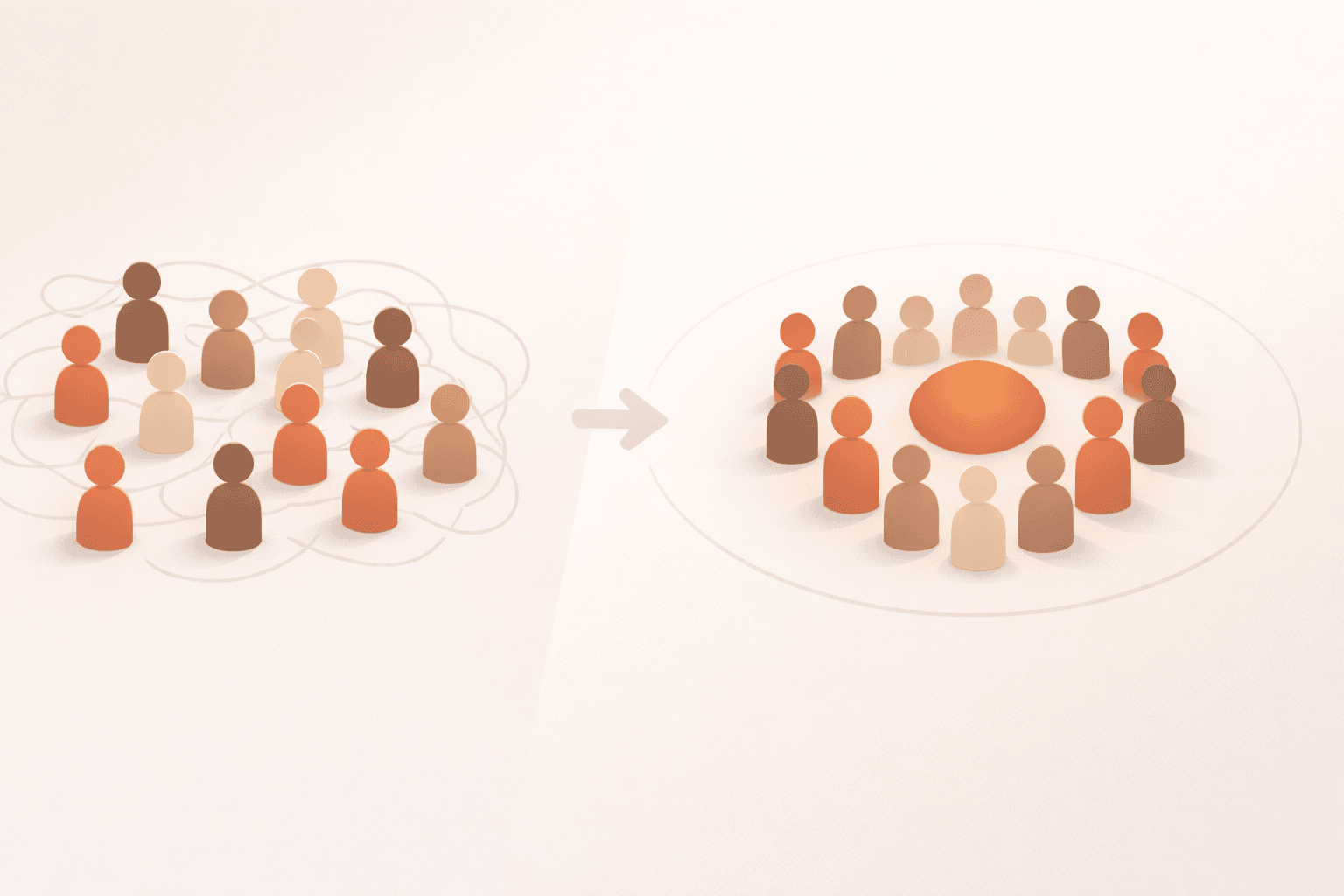
If your group keeps asking "is this still on?" the problem is usually workflow, not motivation. RSVP app decisions should be made around behavior: how quickly members respond, how clearly attendance status is visible, and how much manual cleanup hosts must do before each event. A good setup is one where people can reply in seconds and the group can trust the count without reading an entire chat thread.
The biggest mistake teams make is buying depth before adoption. Feature-heavy tools can look strong in a checklist, but recurring groups succeed when members consistently use a simple response path. If members can RSVP quickly from email and hosts can see progress toward a minimum headcount, the coordination loop gets dramatically easier. That is why the guides in this hub focus on response friction, threshold visibility, and confirmation speed first.
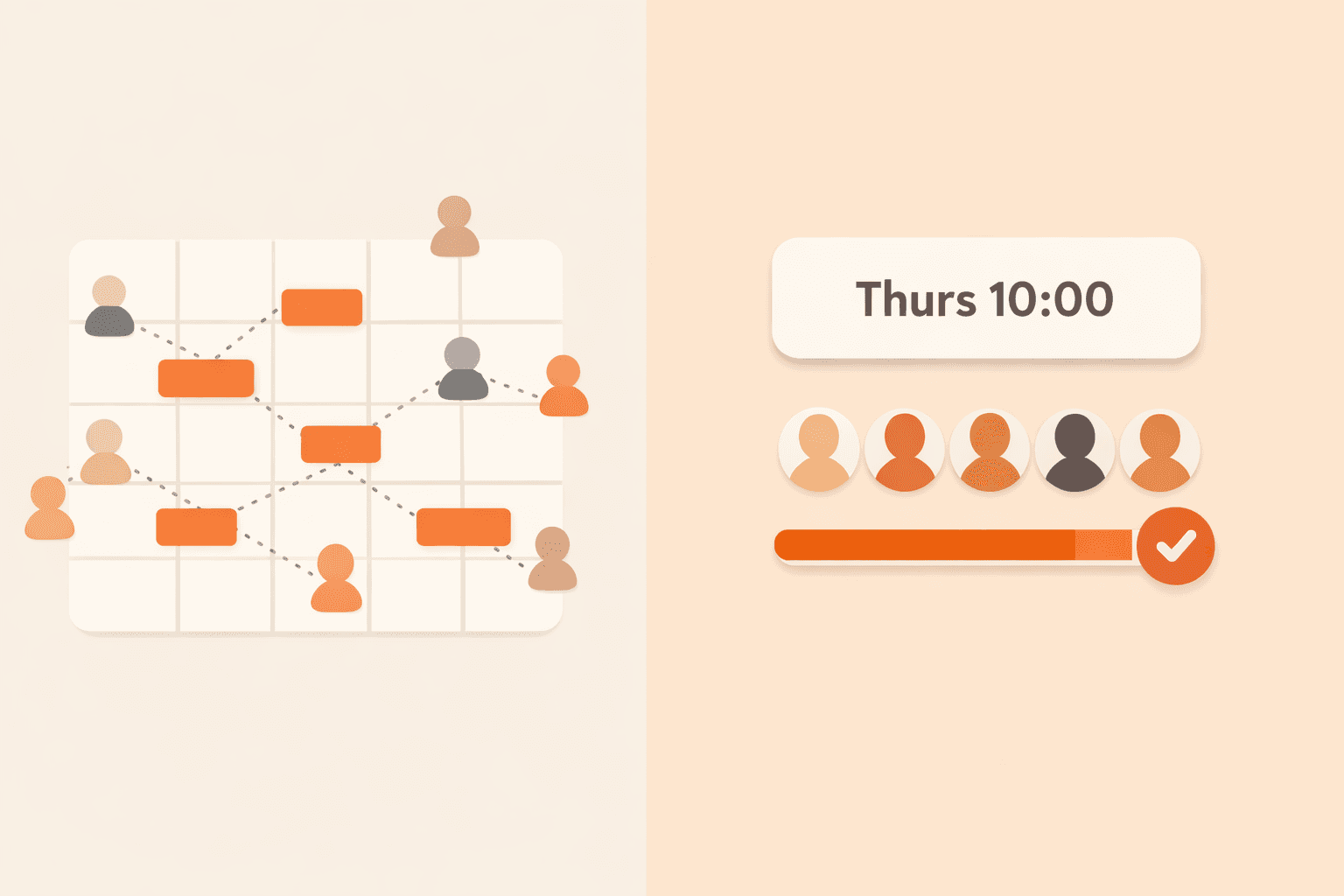
Another common gap is separating selection from implementation. Many organizers compare tools but never define the exact weekly cadence they will run. The strongest pattern is: set threshold first, send one clear invite, send one targeted reminder, confirm ON/OFF at threshold, then review no-show patterns monthly. You can run this cadence in different products, but your app should make that workflow obvious rather than forcing hosts to stitch it together manually.
Use this hub when you are evaluating options, rolling out a new RSVP process, or tightening an existing one that feels noisy. Start with broad framework articles, then move into format-specific guides for pickup games, book clubs, and recurring meetups. By the end of the reading order, you should know your minimum viable setup, your first 30-day success metrics, and your default conversion path from trial to adoption.
If you want a low-risk path, follow a demo-first rollout: test one real event, compare response and confirmation timing, then decide. That keeps decisions grounded in outcomes instead of screenshots.

Follow this sequence for a fast path from fundamentals to implementation.
Start with a free account or test the full RSVP flow in the interactive demo.
A recurring event needs more than invite sending. This guide explains how an RSVP app for recurring events should handle thresholds, reminders, and event confirmation.
If you are searching for a meetup RSVP app for small groups, this guide shows what matters most: clear attendance thresholds, low-friction replies, and automatic confirmation.
An email RSVP app for small groups removes sign-up friction and improves response rates. Learn how inbox-based RSVP outperforms chat-only coordination for recurring events.
A no app needed RSVP tool can increase participation because members respond from email instead of installing new software. Here is the practical setup for recurring groups.
A group attendance tracker for recurring events should do more than list names. It should track yes/no/maybe state, quorum progress, and confirmation status automatically.
A small group event coordination app should make recurring plans predictable without heavy software overhead. Use this framework to pick the right workflow.
Choosing an RSVP app for small group gatherings is easier when you evaluate attendance outcomes, not feature bloat. Use this framework to pick the right tool.
These RSVP app tips help busy hosts choose simpler workflows, improve response rates, and reduce no-shows across recurring events.
A private group event planning app should keep member lists contained while still making attendance decisions fast and clear. Here is what to prioritize.

Recurring group activities break down when attendance is unclear. This practical guide shows how a quorum-based RSVP model keeps events predictable without constant organizer follow-up.

A social group management app should do more than send reminders. Here’s a practical framework for organizing recurring groups, reducing no-shows, and making events reliably happen.

Small groups don’t fail because people don’t care. They fail because coordination is vague. Here are 8 must-have features that make attendance predictable, reduce organizer burnout, and confirm when an event is actually on.
This listicle gives hosts a practical playbook for small group gatherings: better invite timing, clearer RSVP flow, and less coordination chaos.

If your group says yes but still has weak turnout, this attendance guide gives you the full system: invite timing, reminder strategy, maybe-RSVP handling, no-show reduction, and member re-engagement.

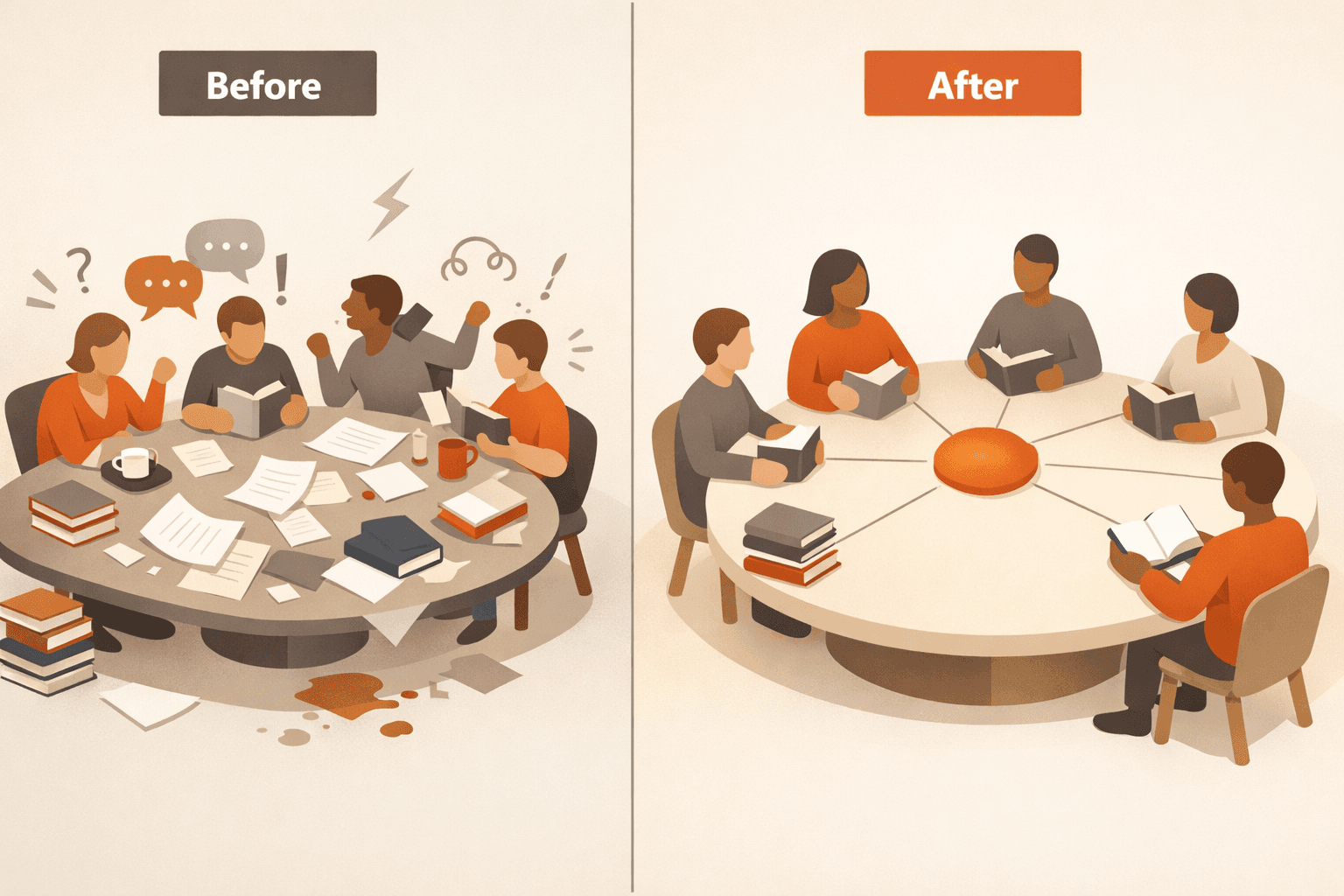
Group chat is great for conversation, but recurring group coordination needs structure. Here is a practical comparison of chat threads versus a quorum-based RSVP flow that actually confirms events.

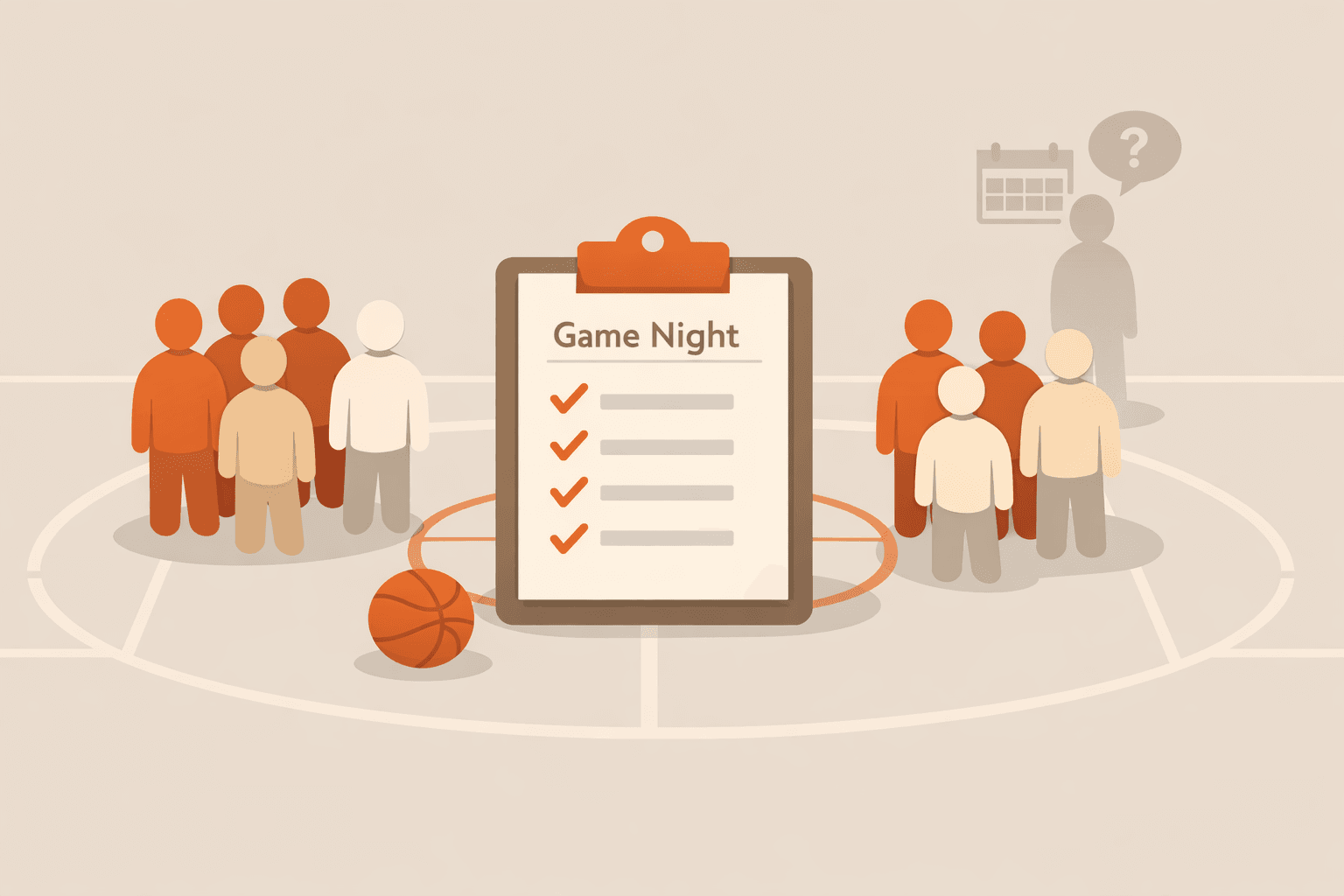
Pickup basketball falls apart when attendance is uncertain. Learn a practical quorum-first RSVP workflow that confirms games earlier and reduces last-minute dropouts.

Busy people ignore another chat ping. Email-based RSVPs keep your pickup games, study sessions, and book clubs moving without forcing everyone into the same platform.

Big enterprise tools are overkill for your 12-person running crew. Here's why the best group management approach for small groups is radically simple — and why groups under 20 people have different needs entirely.
Prioritize adoption and clarity first: fast response path, visible attendance status, threshold support, and low organizer overhead.
Optimize response rate first. A simpler tool people actually use beats a feature-heavy setup with weak participation.
For most recurring groups, one targeted reminder to unresolved members is enough. More reminders usually increase noise faster than attendance.
Yes. Email-first flows can keep participation high while still giving hosts structured yes/no/maybe data and threshold progress.
Track response rate, maybe-resolution rate, time-to-confirm, and no-show rate across at least two event cycles.
Run one pilot event, keep messaging simple, and show members exactly where to RSVP so behavior changes with minimal friction.
Use the demo to validate your workflow, then move to a free account when you are ready.