Simple Group Management for Small Groups: Why Less Than 20 Is the Sweet Spot
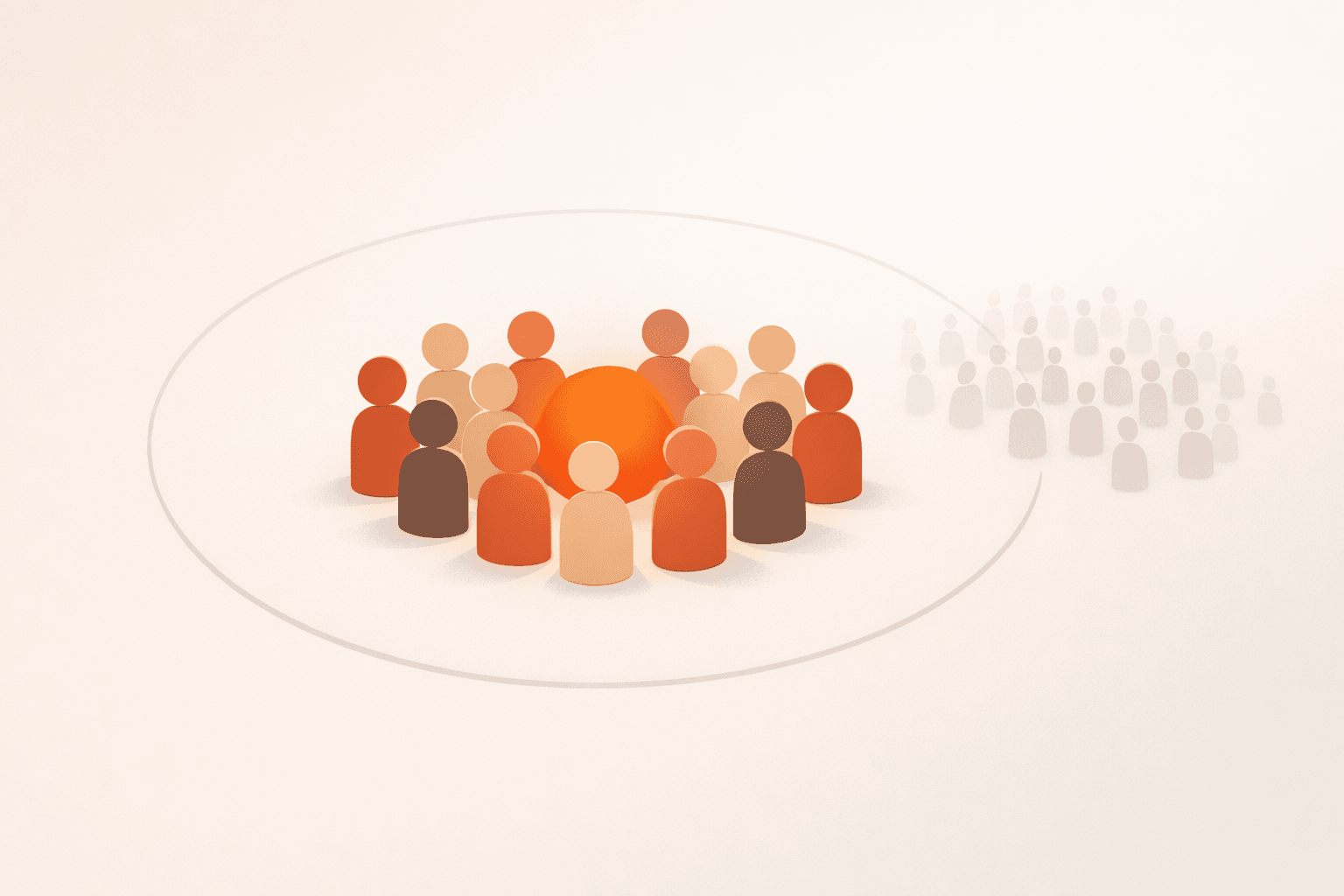
Big enterprise tools are overkill for your 12-person running crew. Here's why the best group management approach for small groups is radically simple — and why groups under 20 people have different needs entirely.
Quick take
Big enterprise tools are overkill for your 12-person running crew. Here's why the best group management approach for small groups is radically simple — and why groups under 20 people have different needs entirely. The durable path is a clear threshold, low-friction RSVP, and early confirmation rules.
Try this next
Key takeaways
- Everyone knows everyone — You don't need member directories, org charts, or discovery features. You know who's in the group.
- One person usually organizes — There's no "events team." It's one person (probably you) who sends the messages and counts the replies.
- Attendance is the whole question — You're not coordinating complex logistics. You just need to know: are enough people coming?
- Friction kills participation — Ask 12 friends to download an app, create accounts, and learn a new interface? Half of them never will.
- Collects RSVPs without friction — Members should be able to say yes or no from wherever they already are (their email inbox), without logging in or downloading anything.
There's a strange gap in the world of group coordination tools. On one end, you have enterprise platforms designed for hundreds or thousands of users — Slack workspaces, Microsoft Teams channels, Eventbrite pages. On the other end, you have group chat. Nothing in between.
But most real-world groups aren't enterprise-scale. They're 8 people who play basketball on Thursdays. 12 people in a book club. 15 friends who hike together. These small groups under 20 people have fundamentally different coordination needs — and they deserve a tool that matches their simplicity, especially when you factor in social-size dynamics like Dunbar's number and the overhead of heavy role-based access control.
Why Are Small Groups Different?
Small groups have a few characteristics that make them distinct from larger organizations:
- Everyone knows everyone — You don't need member directories, org charts, or discovery features. You know who's in the group.
- One person usually organizes — There's no "events team." It's one person (probably you) who sends the messages and counts the replies.
- Attendance is the whole question — You're not coordinating complex logistics. You just need to know: are enough people coming?
- Friction kills participation — Ask 12 friends to download an app, create accounts, and learn a new interface? Half of them never will.
These realities mean that the right tool for a small group looks nothing like the right tool for a company. You need something radically simple — something that solves the coordination problem without creating a new one.
Ready to apply this in your next cycle?
Use the same flow in one live event and compare your confirmation speed.
Why Enterprise Tools Don't Work for Small Groups
It's tempting to reach for a "real" tool when group chat gets chaotic. But tools built for larger organizations bring baggage that actively hurts small group coordination:
Onboarding friction. Every member needs to create an account, download an app, or join a workspace. For a casual group, this is a non-starter. You'll spend more time getting people set up than actually coordinating events.
Feature bloat. Channels, threads, permissions, integrations, bots — none of this serves a 10-person hiking group. It just makes the tool harder to navigate and gives people one more reason to ignore it.
Wrong mental model. Enterprise tools assume ongoing communication is the goal. For small group events, communication is a means — the goal is knowing whether Thursday's game is happening. You don't need a platform; you need an answer.
Where Group Chat Falls Short
If enterprise tools are overkill, group chat is underkill. It works for a while — until it doesn't.
The breaking point usually comes when the group grows past 6-7 people or the activity becomes truly recurring. Suddenly the organizer is manually counting "I'm in" messages every week, chasing stragglers, and making judgment calls about whether "probably" counts as a yes.
In a group of 15, a single "who's in for Saturday?" message generates a stream of replies, reactions, follow-up questions, and off-topic tangents. Extracting a headcount from that noise is genuine work — unpaid, unacknowledged work that falls on one person.
Small groups don't need less technology. They need the right technology — something purpose-built for answering "do we have enough people?" without any surrounding complexity.
What Does Simple Group Management Actually Look Like?
For small groups, the ideal tool does exactly three things well:
- Collects RSVPs without friction — Members should be able to say yes or no from wherever they already are (their email inbox), without logging in or downloading anything.
- Counts automatically — The tool tracks who's in and shows a real-time headcount. No manual tallying.
- Notifies when it matters — When enough people commit, everyone finds out. When RSVPs are lagging, the organizer can nudge with one click.
That's it. No project management. No file sharing. No threaded discussions. Just: are we doing this or not?
This is exactly the model Quarmup is built around. You create a group, set a quorum threshold (the minimum number of people needed), and schedule events. Members RSVP from email. When the threshold is met, the system notifies everyone automatically. The organizer's job shrinks from "coordinate everything" to "create the event and let the tool handle the rest."
Why Under 20 Is the Sweet Spot
Groups under 20 people hit a coordination sweet spot. They're large enough that manual tracking becomes painful, but small enough that every member's participation meaningfully affects whether the event happens.
In a group of 12 with a quorum of 8, each person's RSVP visibly moves the needle. That creates a sense of accountability that larger groups can't replicate — you're not a face in a crowd, you're one of the people who makes it happen.
This size also means the organizer personally knows every member. There's no need for formal member management, approval workflows, or access controls. You invited these people because you want them there. The tool should respect that simplicity instead of layering corporate process on top of it.
Can This Approach Scale Beyond 20?
Yes. The quorum model works at any size — whether your group has 8 members or 80. The threshold math doesn't change, and email-based RSVPs scale naturally. Some Quarmup groups are well above 20 members and work perfectly well.
But the under-20 range is where the experience shines, because the tool's simplicity matches the group's simplicity. There's no point where you outgrow it, but the groups that love it most are the ones where everyone fits around one table (or one basketball court).
Getting Started With Simple Group Management
If you're currently managing a small group through chat threads and mental math, switching takes about two minutes:
- Create a group — Give it a name and set your quorum threshold.
- Add members — Invite by email. They don't need to create accounts.
- Schedule your first event — Set the date, time, and location. Members get an email with a one-click RSVP.
That's the whole setup. No onboarding guide, no training session, no "getting started" documentation. If your members can click a button in an email, they already know how to use it.
Sign up for Quarmup — simple group management for groups that don't need enterprise complexity.