Social Group Management App: What to Look For (and How to Keep Groups Active)
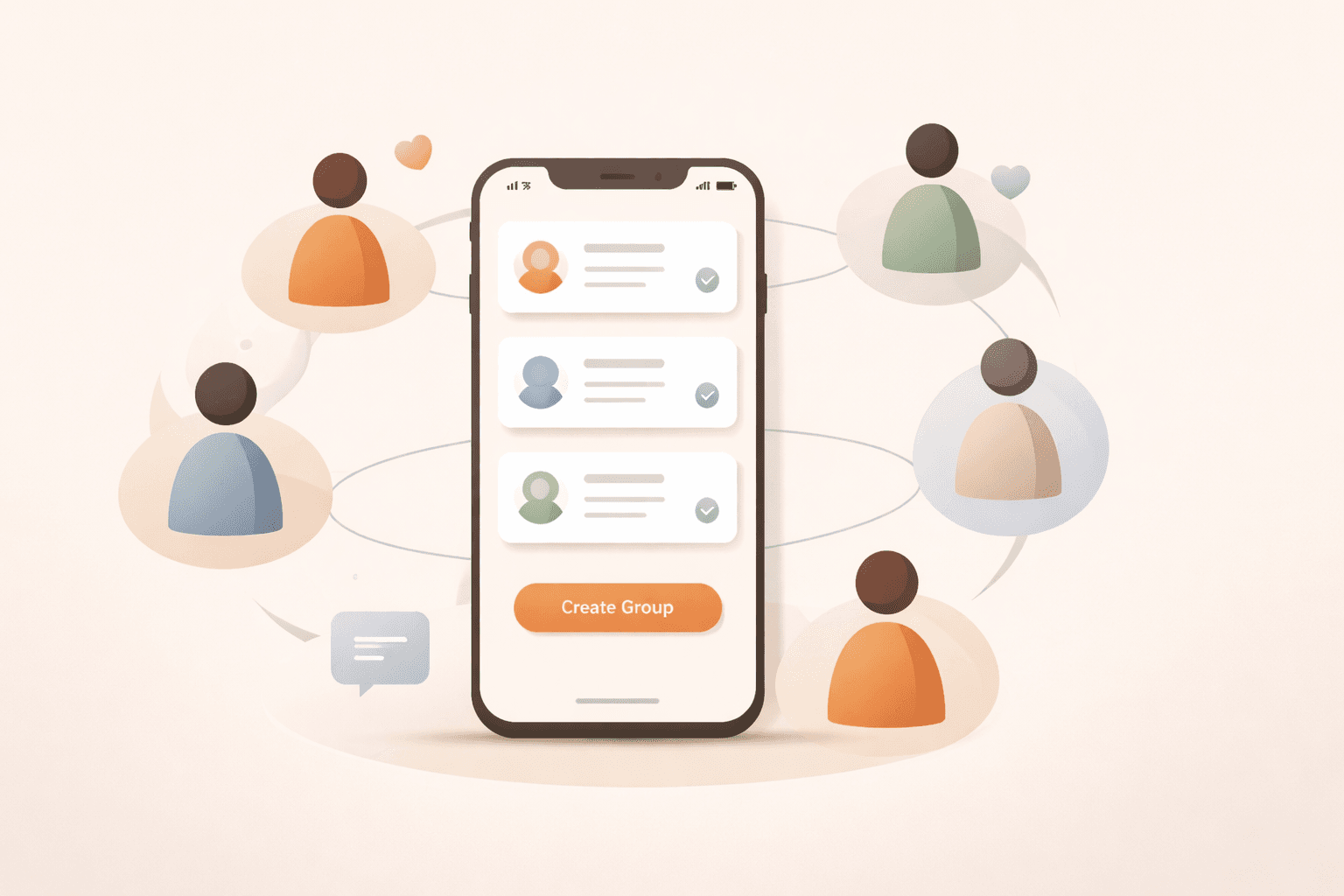
A social group management app should do more than send reminders. Here’s a practical framework for organizing recurring groups, reducing no-shows, and making events reliably happen.
Quick take
A social group management app should do more than send reminders. Here’s a practical framework for organizing recurring groups, reducing no-shows, and making events reliably happen. The durable path is a clear threshold, low-friction RSVP, and early confirmation rules.
Try this next
Key takeaways
- People intend to RSVP but forget.
- “Maybe” replies create uncertainty.
- No one knows if the event is truly happening.
- The organizer does manual follow-up every time.
- Group-level structure : each group has separate members, defaults, and history.
Running a social group sounds simple until you do it every week. Whether it’s pickup sports, a book club, a neighborhood meetup, or a recurring dinner, the same problems appear fast: uncertain attendance, scattered replies, and organizer fatigue.
A good social group management app solves those problems with structure. Not more noise. Not more chat threads. Structure.
What a Social Group Management App Should Actually Solve
Most coordination failures are predictable:
- People intend to RSVP but forget.
- “Maybe” replies create uncertainty.
- No one knows if the event is truly happening.
- The organizer does manual follow-up every time.
A strong app should make the event state obvious at all times: who is in, how close you are to minimum attendance, and whether the event is officially on.
Ready to apply this in your next cycle?
Use the same flow in one live event and compare your confirmation speed.
Core Features to Prioritize
If you’re evaluating tools, prioritize these features first:
- Group-level structure: each group has separate members, defaults, and history.
- Low-friction RSVP flow: members can respond in seconds.
- Minimum headcount (quorum): define the number needed for the event to happen.
- Automatic status updates: flip to ON/OFF based on RSVP reality.
- Targeted reminders: nudge non-responders and maybes without spamming everyone.
- Repeatable event setup: templates for title, location, time, and threshold.
These are the practical drivers of turnout. Fancy extras can wait.
Why Quorum Matters More Than Most People Realize
Many groups fail because no one defines “enough people.” A quorum threshold solves that. You decide in advance what minimum attendance makes the event worth doing. When the group hits that number, the event is confirmed.
That single rule removes a surprising amount of friction. Members know their RSVP has impact, and organizers stop making subjective last-minute calls.
Group Chat vs. a Dedicated App
Group chat is excellent for social energy and fast conversation. It’s weak for recurring operations. Messages are chronological, not structured, so coordination details drift and disappear.
A dedicated app gives the group a source of truth: current event status, attendance, and next steps. Chat can still exist, but it no longer carries the operational burden.
How to Implement This Without Overhauling Your Group Overnight
You don’t need a big migration. Use a phased rollout:
- Start with one active group and one upcoming event.
- Set a clear minimum attendance threshold.
- Send one RSVP link and one reminder.
- Review turnout and member response quality.
- Roll into your second group once the first flow is stable.
Most organizers see immediate gains once RSVP and confirmation are no longer manual.
Bottom Line
The best social group management app is the one that makes recurring coordination predictable: fewer manual follow-ups, clearer attendance decisions, and less uncertainty about whether events are happening.
If your current workflow depends on one person constantly counting replies, you’ve already outgrown chat-only coordination.
Want to see this model in practice? Explore the Quarmup features or run the interactive demo.