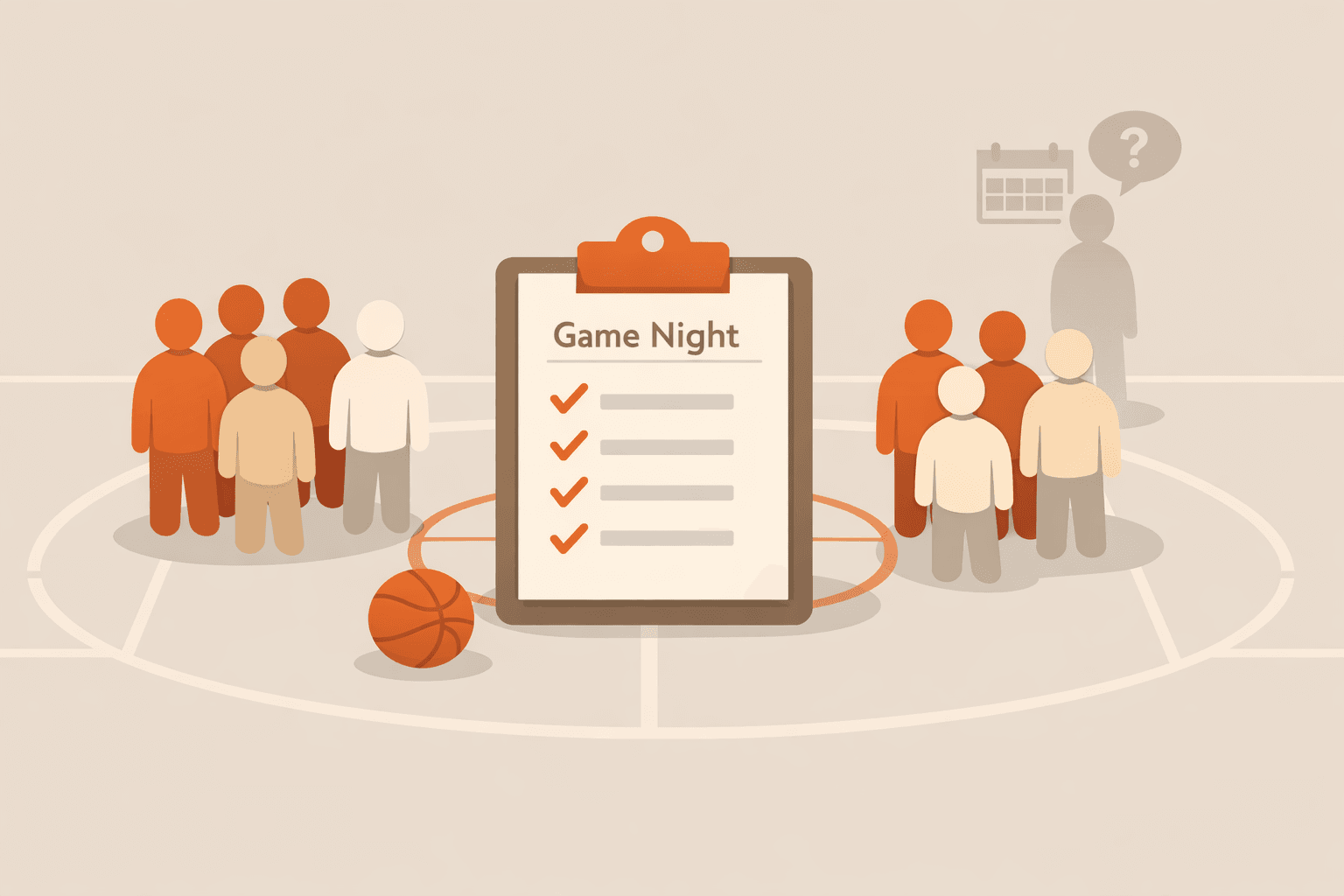
Organizing Pickup Basketball Games Without No-Shows: Use Quorum-Based RSVP
Pickup basketball falls apart when attendance is uncertain. Learn a practical quorum-first RSVP workflow that confirms games earlier and reduces last-minute dropouts.
Quarmup Blog Hub
Activity playbooks translate quorum and RSVP principles into practical operating rules for a specific group format.
Every activity has different attendance math. Pickup basketball can still run with 8, but quality drops fast below that. Book clubs can feel great at 5 and weak below 4. Game nights vary by game mix and table setup. A generic RSVP process is useful, but hosts usually need format-specific guardrails to reduce cancellations and keep event quality consistent.
This hub focuses on those practical guardrails. Instead of abstract advice, the playbooks spell out workable thresholds, invite windows, reminder checkpoints, and fallback plans for each format. That helps hosts make decisions before event week gets messy. It also sets expectations for members so attendance behavior becomes predictable over repeated cycles.
The goal is not perfect attendance. The goal is stable quality with minimal coordinator effort. If your group can reliably hit a threshold that produces a good experience, momentum improves naturally. Members trust that events will happen when confirmed, and organizers stop over-messaging because the process itself carries the decision load.
Use these guides when you are running one format repeatedly or when you support multiple formats and need distinct defaults per group. For example, basketball and book clubs should not share the same minimum. Assigning format-specific baselines keeps participation fair and avoids confusing members with one-size-fits-all rules.
Start with the reading order if you need a full reset, then tune each playbook with your own turnout history. You only need a few cycles to identify durable thresholds that balance quality and feasibility.
Follow this sequence for a fast path from fundamentals to implementation.
Start with a free account or test the full RSVP flow in the interactive demo.
Pickup basketball falls apart when attendance is uncertain. Learn a practical quorum-first RSVP workflow that confirms games earlier and reduces last-minute dropouts.
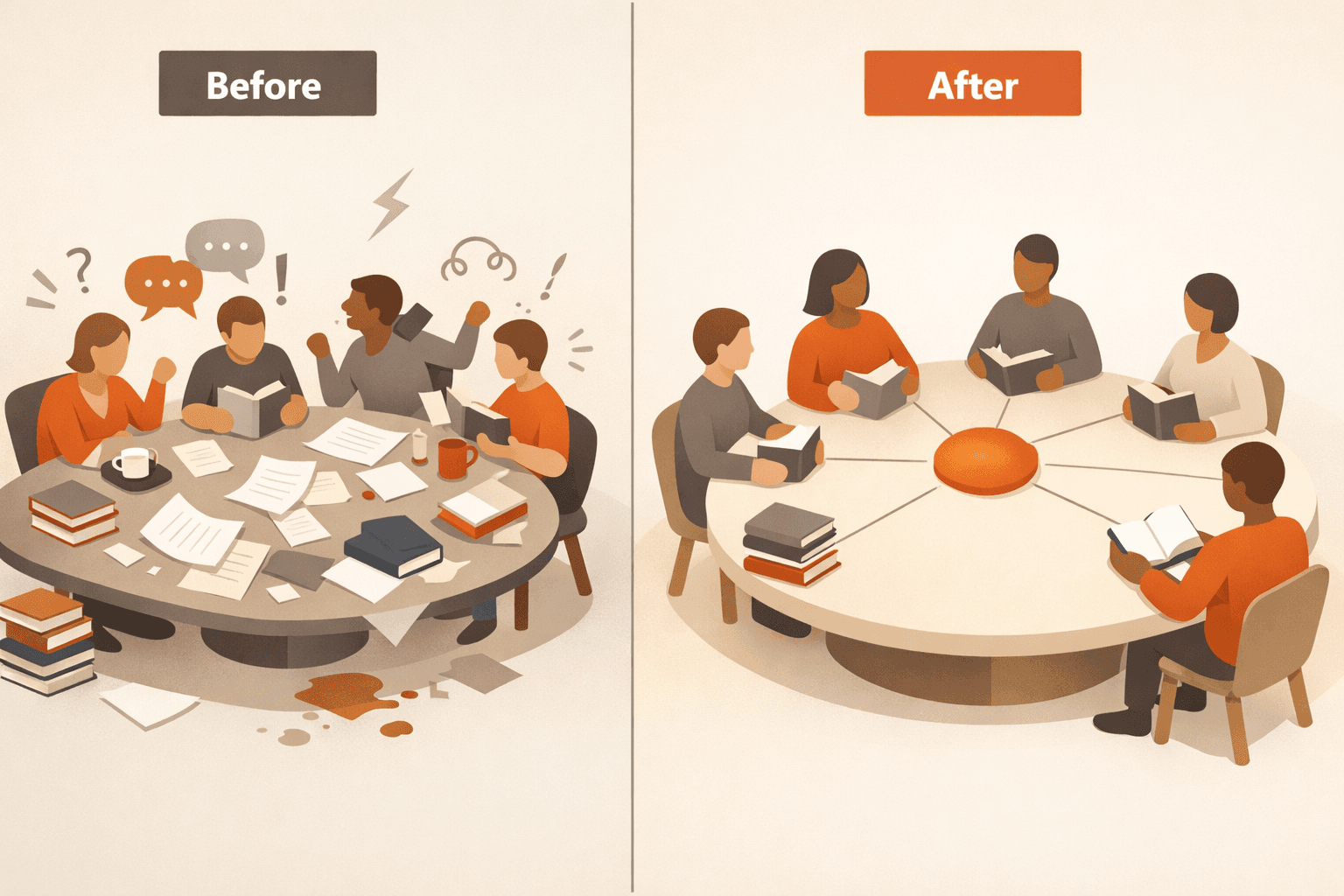
Book clubs lose momentum when attendance is uncertain. Use a quorum-first RSVP approach to confirm meetings earlier and keep discussion quality high.

Recurring game nights and meetups collapse when attendance is vague. Learn a quorum-first RSVP system that confirms plans early and keeps hosts from over-messaging.
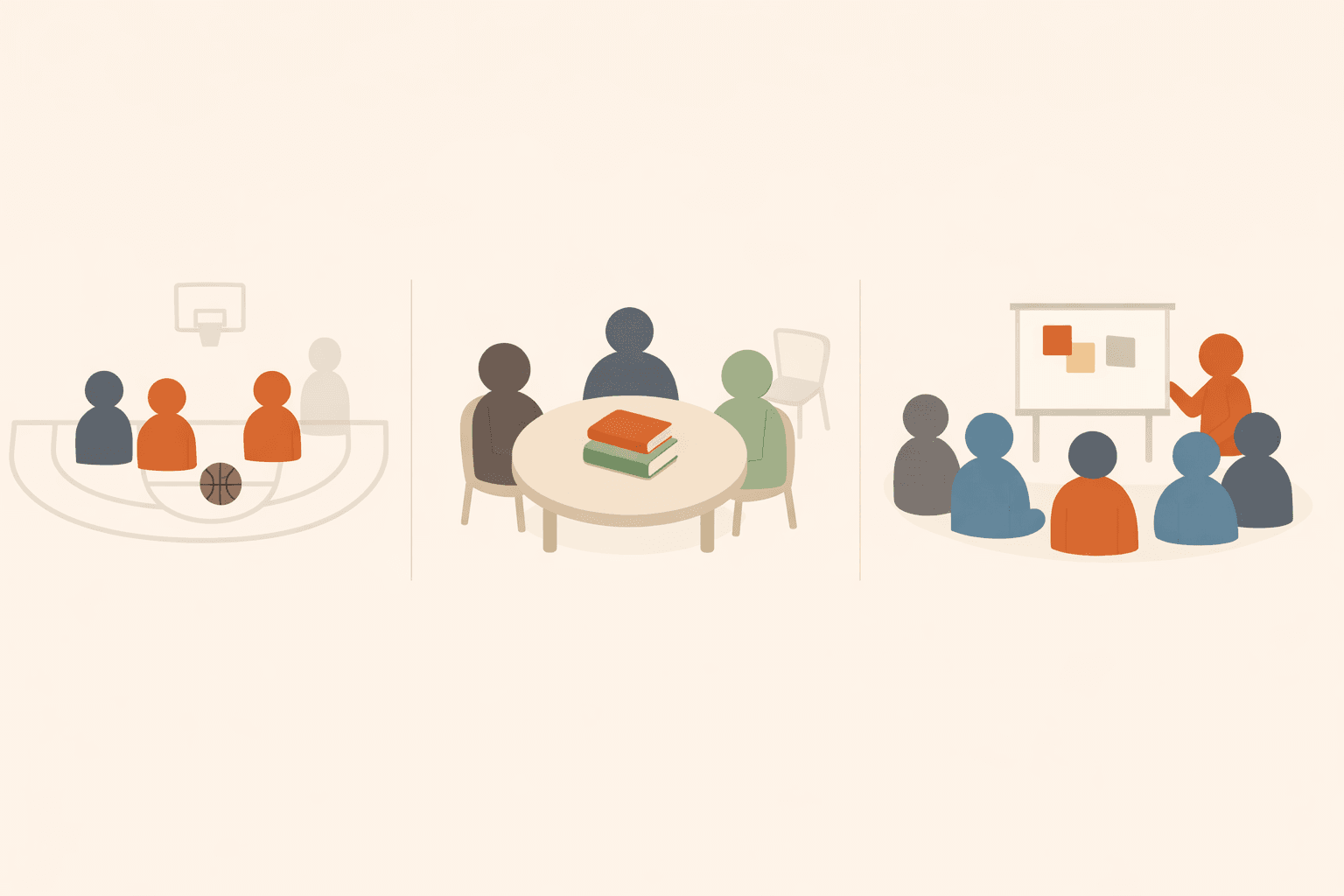
Every group activity has a magic number — the minimum headcount where the event is actually worth doing. Here are the real minimums for pickup basketball, soccer, book clubs, game nights, and more, plus how to stop guessing and automate the whole thing.
These hosting tips for recurring small group events help you improve RSVP quality, reduce no-shows, and keep your event cadence sustainable.

Not sure how quorum-based event coordination works? Our interactive demo lets you pick a scenario, RSVP like a real member, and watch the headcount flip an event to ON — no login required.
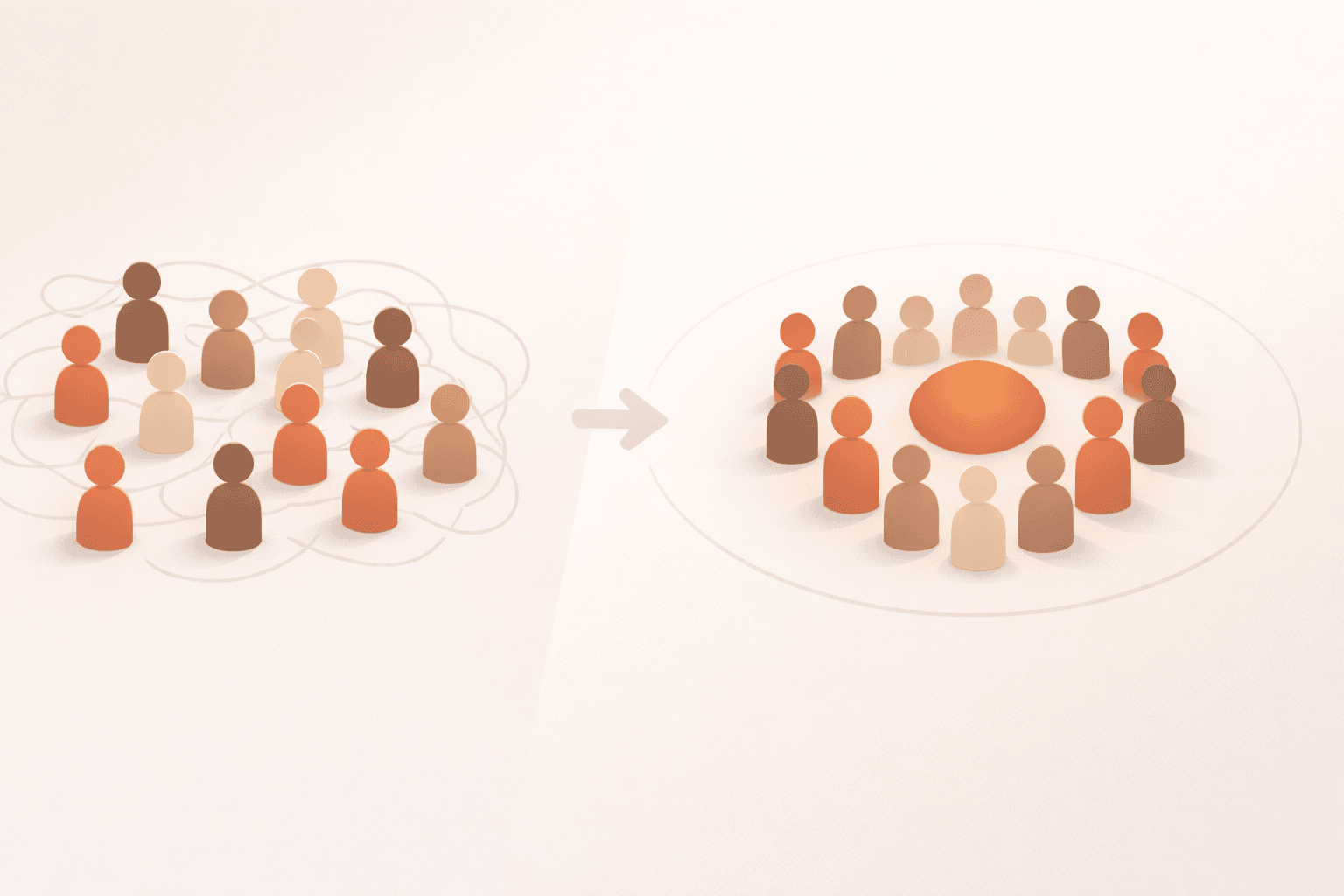
Recurring group activities break down when attendance is unclear. This practical guide shows how a quorum-based RSVP model keeps events predictable without constant organizer follow-up.
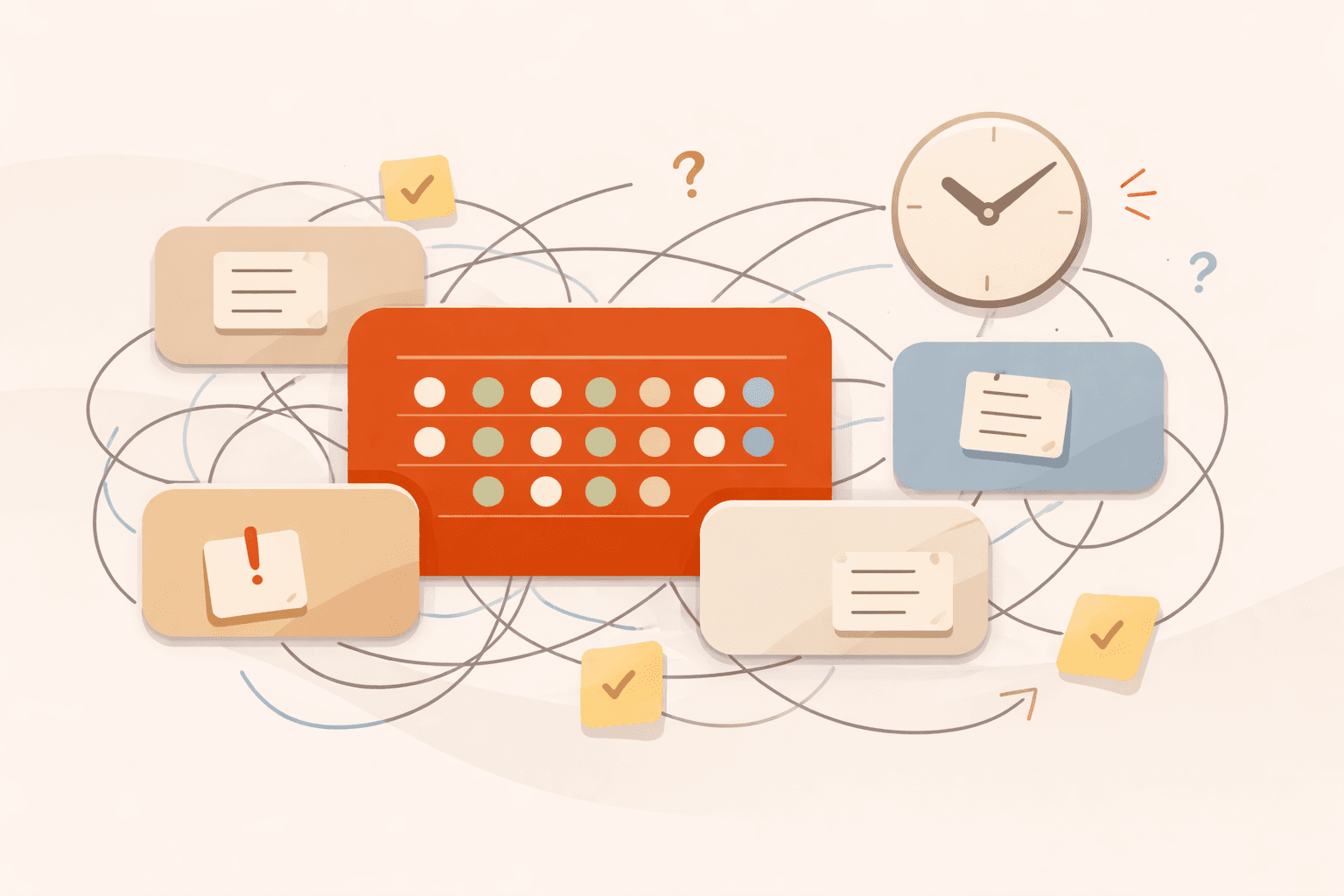
Running a basketball league, book club, and running group at the same time? Here's how to coordinate multiple recurring events without drowning in spreadsheets and group chats.
Choosing an RSVP app for small group gatherings is easier when you evaluate attendance outcomes, not feature bloat. Use this framework to pick the right tool.
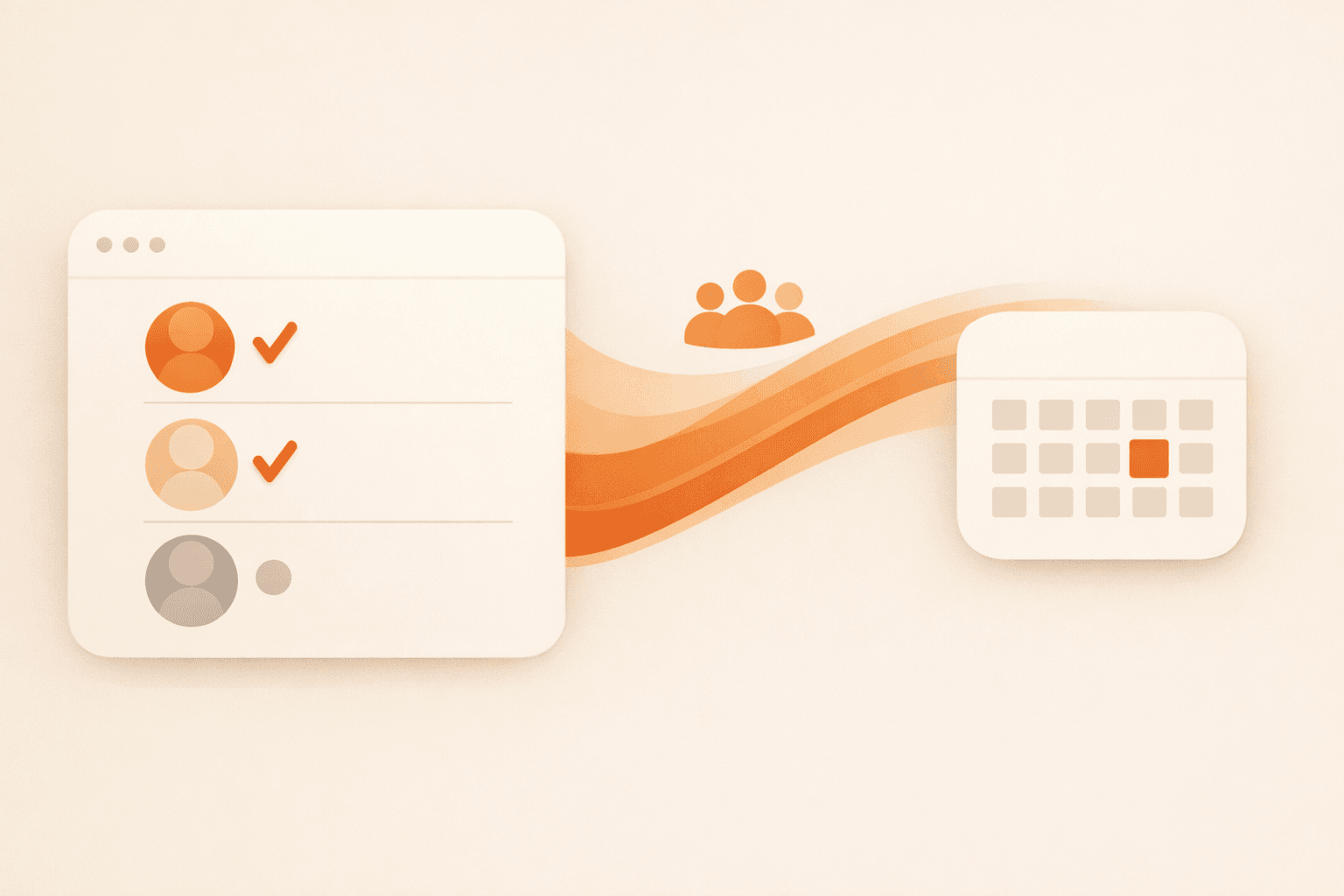
Busy people ignore another chat ping. Email-based RSVPs keep your pickup games, study sessions, and book clubs moving without forcing everyone into the same platform.

When members stop responding, most groups either ignore it or over-message. Use this re-engagement playbook to recover attendance with respectful outreach and cleaner event structure.

Small groups don’t fail because people don’t care. They fail because coordination is vague. Here are 8 must-have features that make attendance predictable, reduce organizer burnout, and confirm when an event is actually on.

Big enterprise tools are overkill for your 12-person running crew. Here's why the best group management approach for small groups is radically simple — and why groups under 20 people have different needs entirely.

Small businesses can use Quarmup before Zoom, Microsoft Teams, or Google Meet sessions to confirm attendance, resolve maybes, and avoid running low-value calls with too few people.
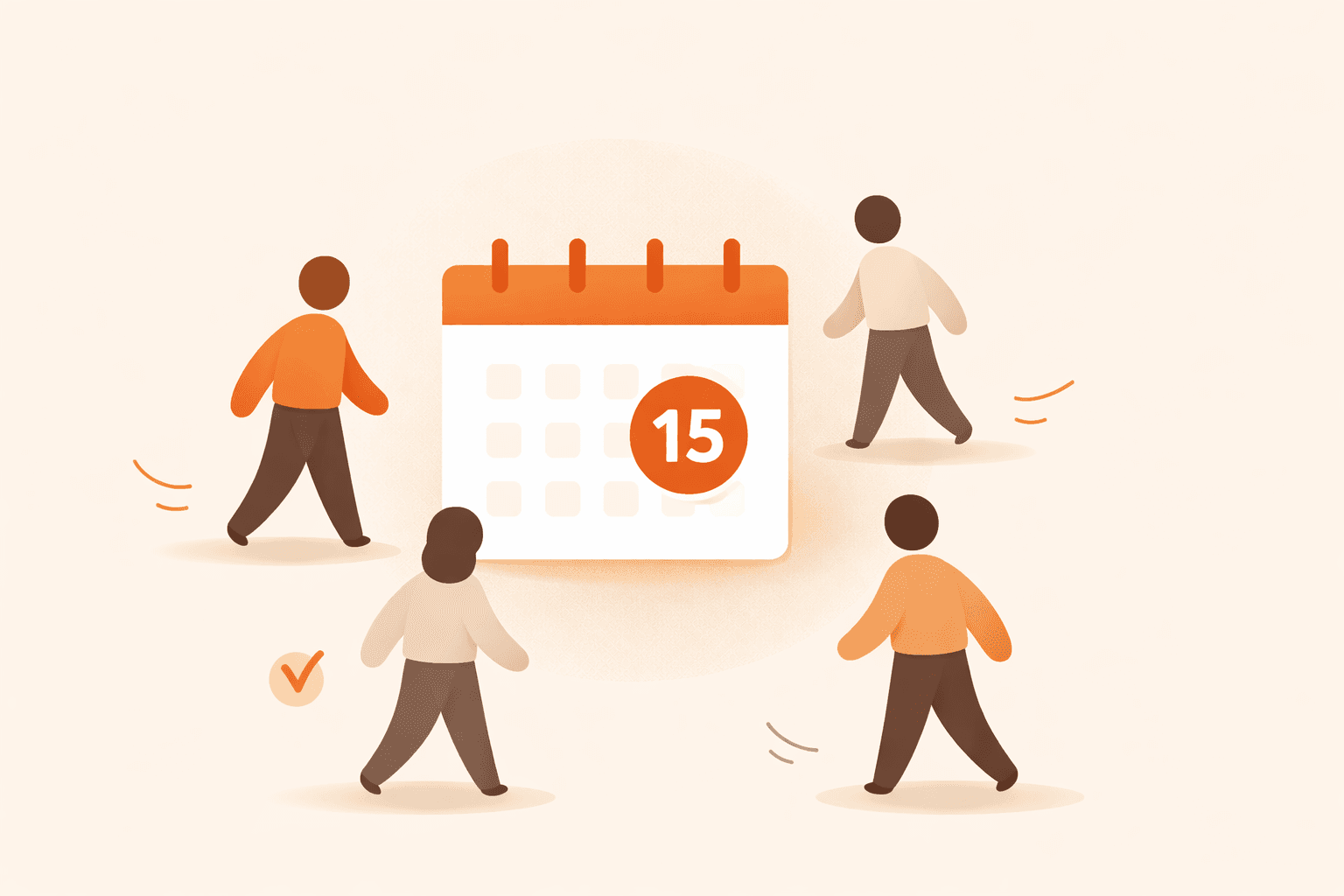
If your group says yes but still has weak turnout, this attendance guide gives you the full system: invite timing, reminder strategy, maybe-RSVP handling, no-show reduction, and member re-engagement.

No-shows usually come from uncertainty, not bad intent. This playbook shows how to reduce no-shows with clearer logistics, threshold signaling, reminder timing, and simple accountability loops.
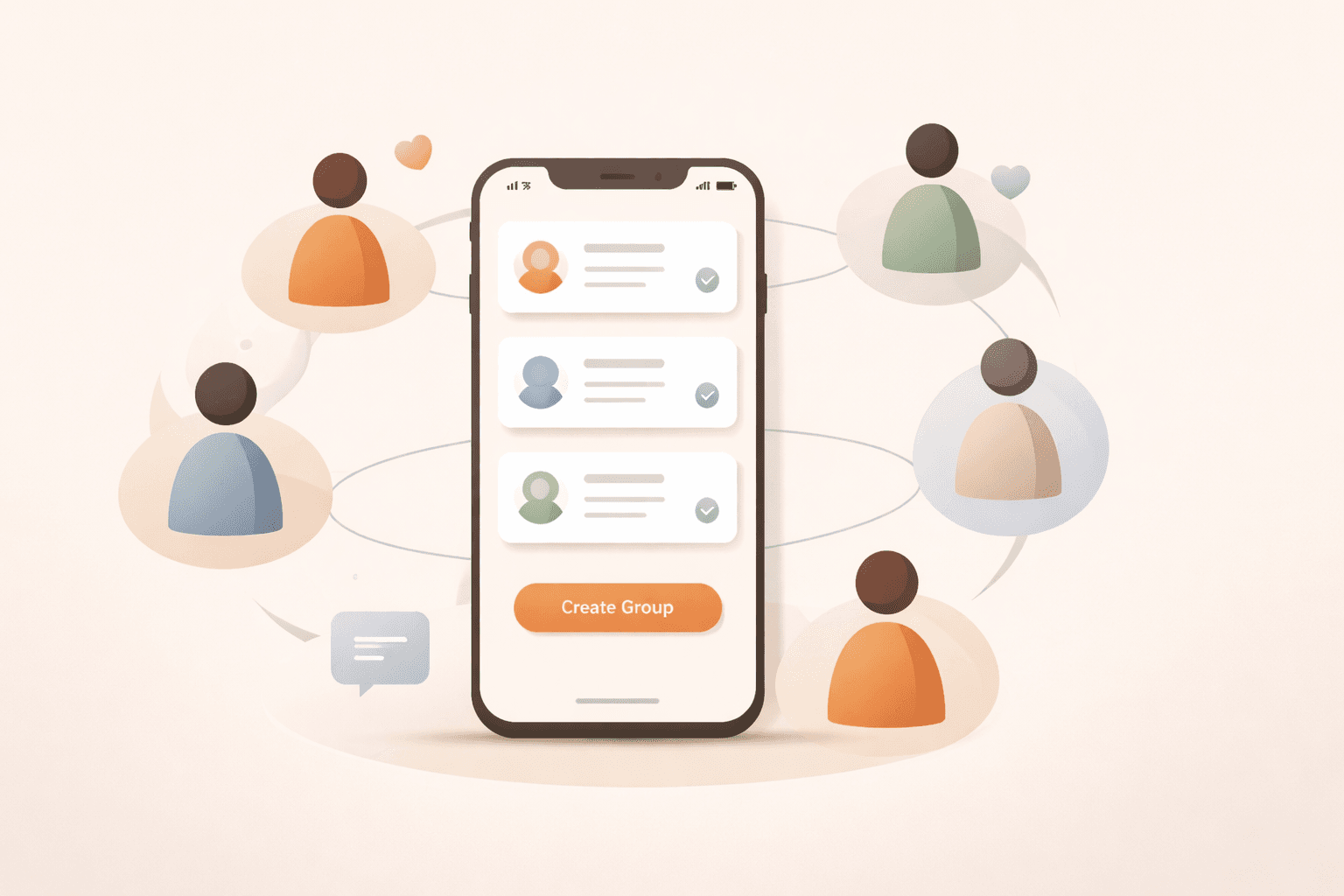
A social group management app should do more than send reminders. Here’s a practical framework for organizing recurring groups, reducing no-shows, and making events reliably happen.

In-person attendance is a bigger ask than clicking a video link. Here's why small in-person groups face a unique fragility problem — and how a minimum-headcount model fixes it before attendance uncertainty snowballs.
Because quality requirements differ by format. The minimum for a strong game or discussion is not the same across activities.
Many recurring groups start around 8 confirmed players to support quality 4v4 with resilience to late dropouts.
Many clubs start between 4 and 6 confirmed members so discussion stays lively and balanced.
Set a clear minimum, resolve maybes before event day, and send one final confirmation once threshold is reached.
Yes. Defining fallback options early helps groups keep momentum when attendance lands near the minimum.
Review after every few cycles using turnout and no-show patterns, then adjust gradually rather than weekly.
Use the demo to validate your workflow, then move to a free account when you are ready.