Doodle vs Quorum-Based RSVP for Recurring Groups
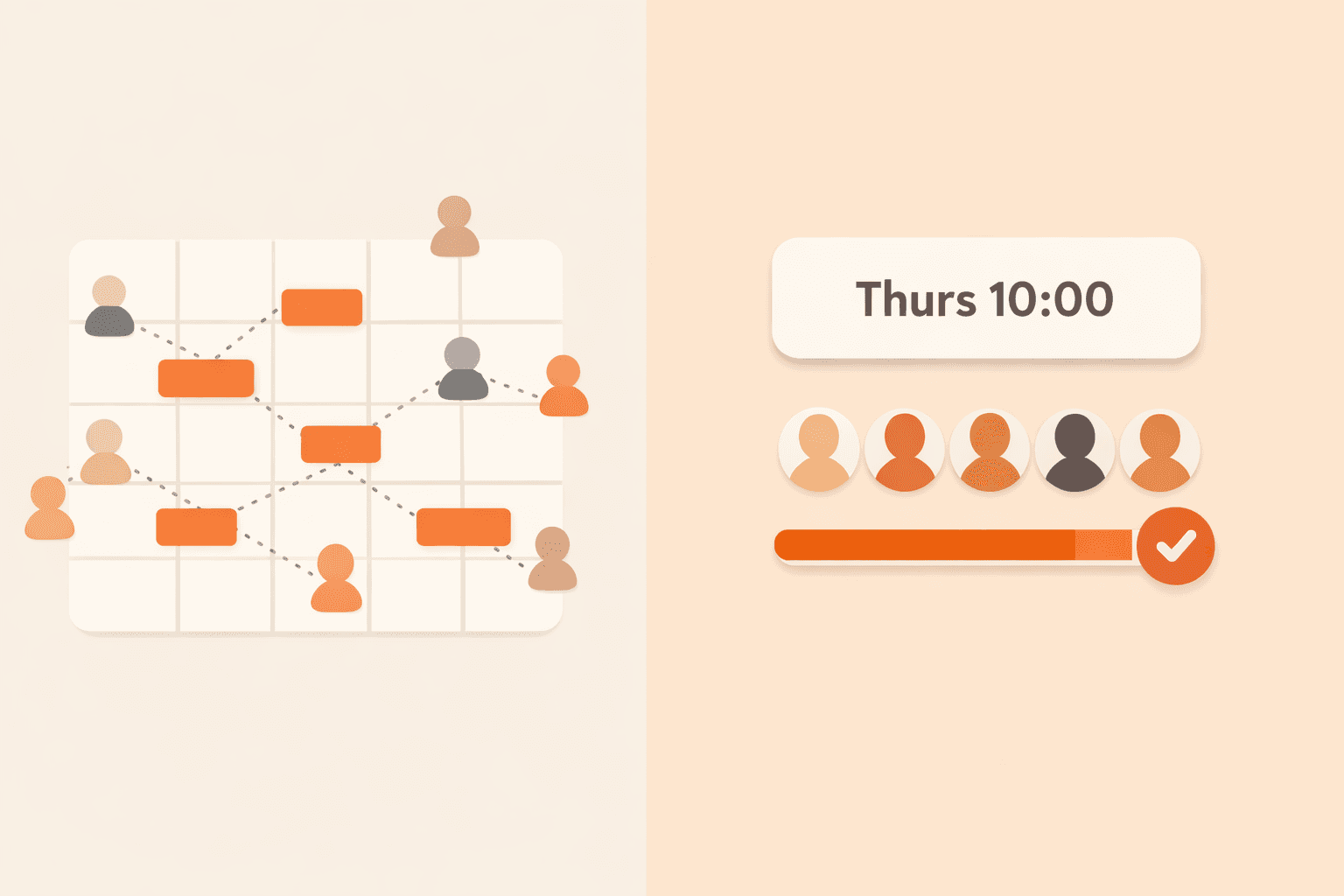
Doodle is useful for one-off availability polls, but recurring groups need quorum-first coordination. Compare both approaches with a practical table and migration guidance.
Quick take
Doodle is useful for one-off availability polls, but recurring groups need quorum-first coordination. Compare both approaches with a practical table and migration guidance. The durable path is a clear threshold, low-friction RSVP, and early confirmation rules.
Try this next
Key takeaways
- Set clear RSVP expectations before each invite cycle starts.
- Use one source of truth for attendance status and threshold progress.
- Confirm event status early enough for members to plan around it.
Doodle is a solid scheduling tool for one-off time selection. Recurring groups have a different problem: they need reliable go/no-go confirmation every cycle, not just a poll result.
See quorum-first coordination in action: Try the demo or sign up free.
Doodle vs Quorum-Based RSVP: Core Difference
Doodle answers "which time works best?" Quorum-based RSVP answers "do we have enough people for this recurring event to happen?"
Why recurring groups need a different decision model
In recurring groups, attendance thresholds matter every week or month. Without quorum logic, organizers still perform manual follow-up even after polling.
Ready to apply this in your next cycle?
Use the same flow in one live event and compare your confirmation speed.
Comparison Table
| Capability | Doodle | Quorum-based RSVP |
|---|---|---|
| Primary job | Find a date/time option | Confirm recurring events based on minimum attendee count |
| Recurring group support | Manual repetition of polls | Repeatable RSVP workflow with status continuity |
| Quorum tracking | Not the core model | Built in as the core model |
| Event confirmation | Organizer interpretation | Automatic when threshold is reached |
| Organizer overhead | Medium to high for recurring cycles | Lower due to structured RSVP and auto-confirmation |
When Each Approach Fits
Use Doodle for one-off coordination across people with unknown availability. Use quorum-based RSVP when your group repeats events and needs a reliable minimum turnout rule.
For recurring setup strategy, read How to Organize Recurring Group Activities Without the Chaos. To understand the failure mode in chat workflows, read Why Group Chat Fails for Event Planning. For channel strategy, read Email-First RSVPs for Small Groups. For threshold planning, read How Many People Do You Actually Need?.
If your group is stuck in poll fatigue: Try the demo and sign up free.